Paste and listen
Type or paste text of any length: long texts are read in blocks, with no waiting.
Text to speech — Android and iOS
Paste some text, import a file or a web page and listen to it with neural voices in dozens of languages. Save it as MP3 or collect chapters into an audiobook to enjoy whenever you like.
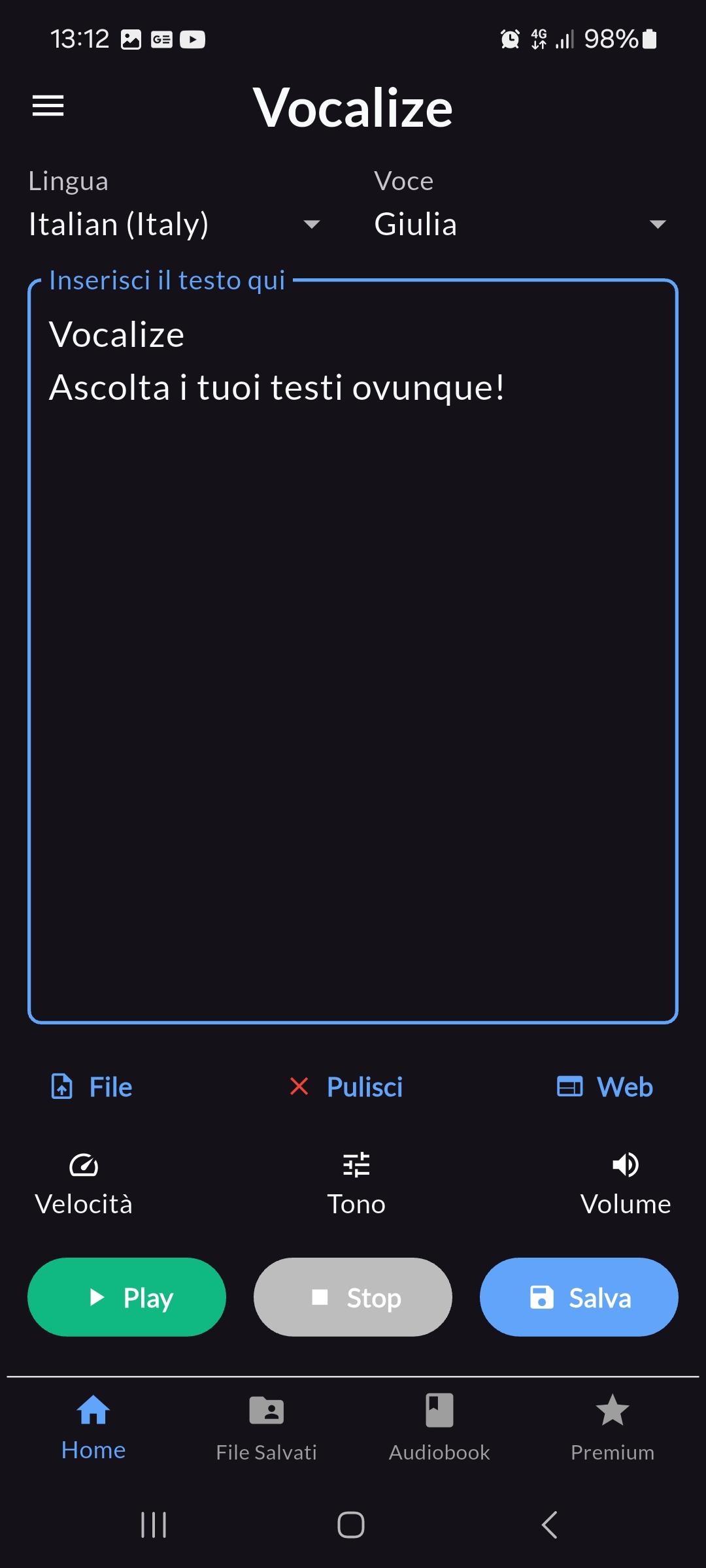
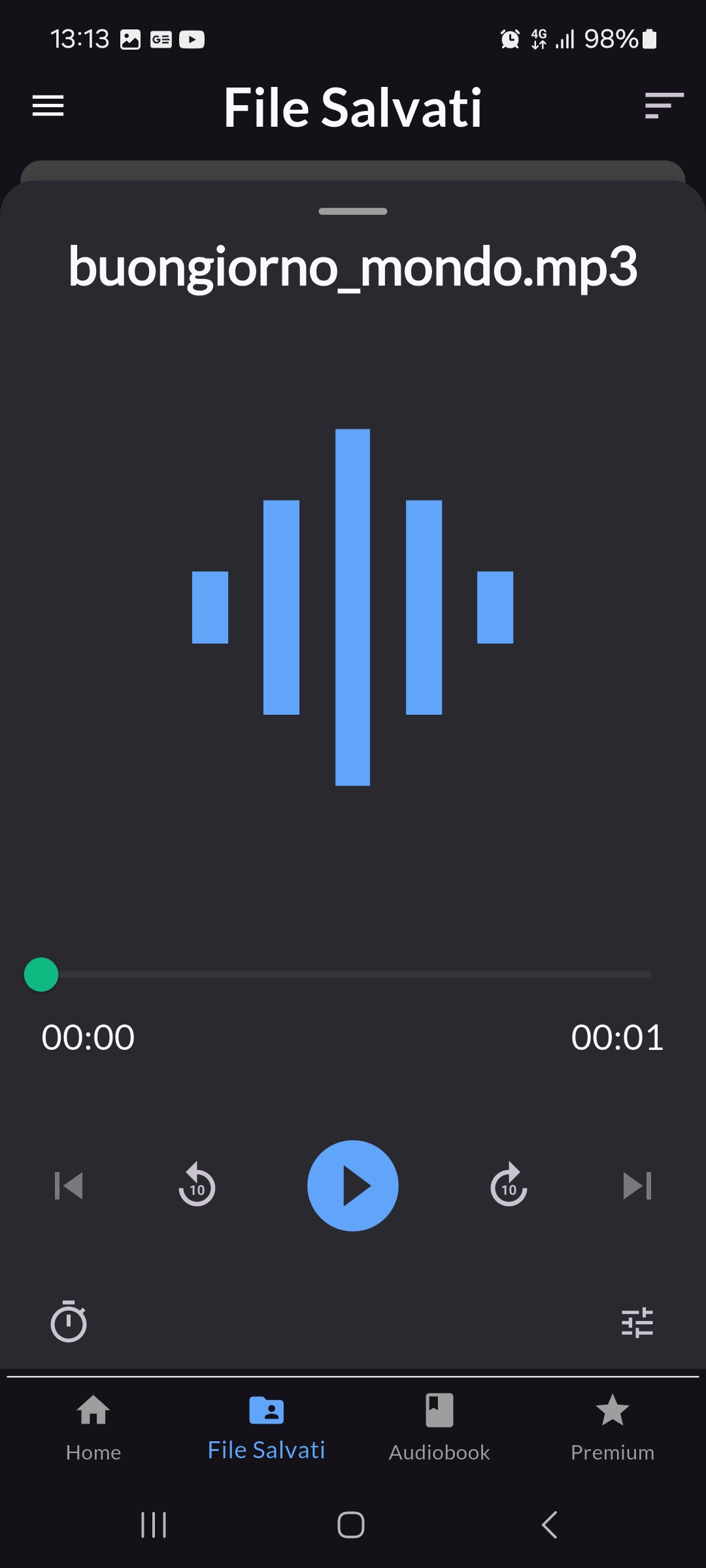
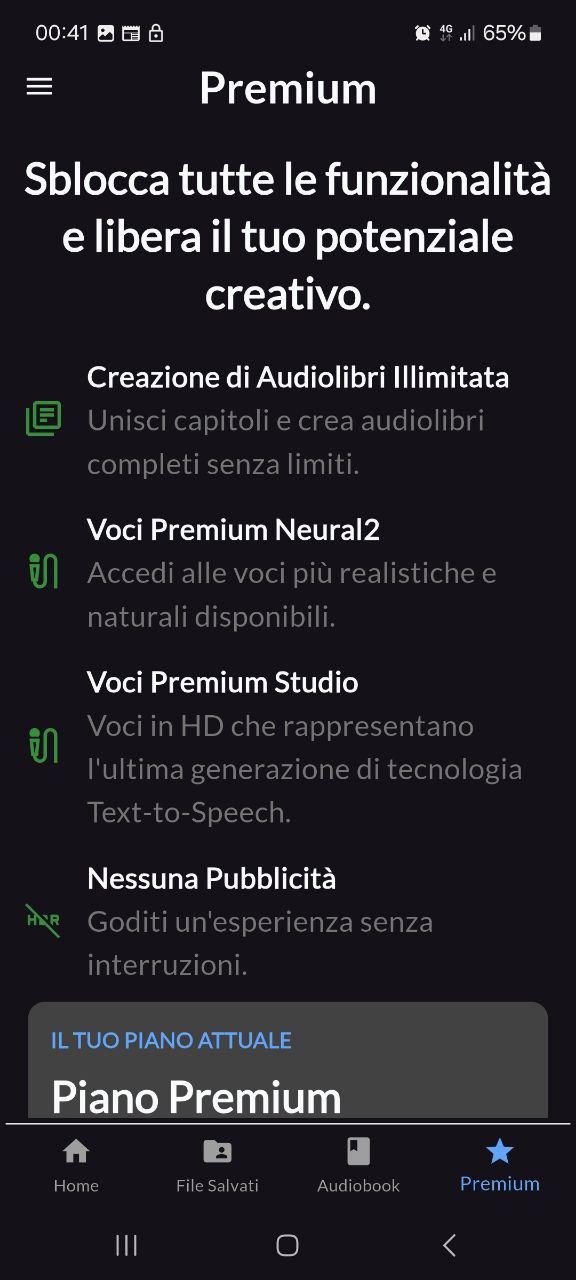
Everything you need to listen to your texts instead of reading them: articles, documents, notes, books.
Type or paste text of any length: long texts are read in blocks, with no waiting.
Import a TXT or PDF file, or a web page link: Vocalize extracts the text to read.
It detects the language of your text and picks the right reading language by itself.
Standard, WaveNet, Neural2 and high-definition Studio voices, in 55 languages and variants.
Adjust the pace and pitch of the voice and the playback volume to your liking.
Collect saved audio into an audiobook with a cover and chapters, and pick up where you left off.
Save the audio on your phone, rename it and share it with other apps.
Listen in bed: playback stops by itself after the time you choose.
Speech uses credits based on the length of the text and the type of voice. Every month your balance goes back to your plan's maximum.
Monthly or yearly subscription, managed by Google Play or the App Store.
Prices for Italy, VAT included. In other countries the store shows the price in your local currency. Auto-renewing subscription, cancel at any time from the store. Unused credits don't roll over to the next month.
The most common questions. Step-by-step guides and all other answers are on the dedicated page.
Each reading uses credits based on the number of characters and the type of voice: Standard and WaveNet voices cost less, Neural2 and Studio voices cost more. Your balance is shown in the app's Premium tab.
Every month, on the day you started using the app, your balance goes back to your plan's maximum. There is also a daily limit to keep usage fair.
Install Vocalize, sign in with the same Google or Apple account you used for the subscription (Premium tab → "Save your credits") and tap "Restore Purchases".
Write to klleshi99@gmail.com from the address linked to your account, or tell us how you sign in to the app. Your account and data are deleted within 30 days. Details are on the account deletion page.
Saved audio files and audiobooks are stored only on your phone: uninstalling the app removes them.
A problem with credits, a purchase that doesn't activate or a voice that doesn't work? Write to me directly: I personally answer every message.
klleshi99@gmail.com